Using VS Code
VS Code is our recommended tool for Lua programming in Atomontage. It provides API autocompletions and Lua IntelliSense through the official Atomontage extension.
Set VS Code as your Lua editor
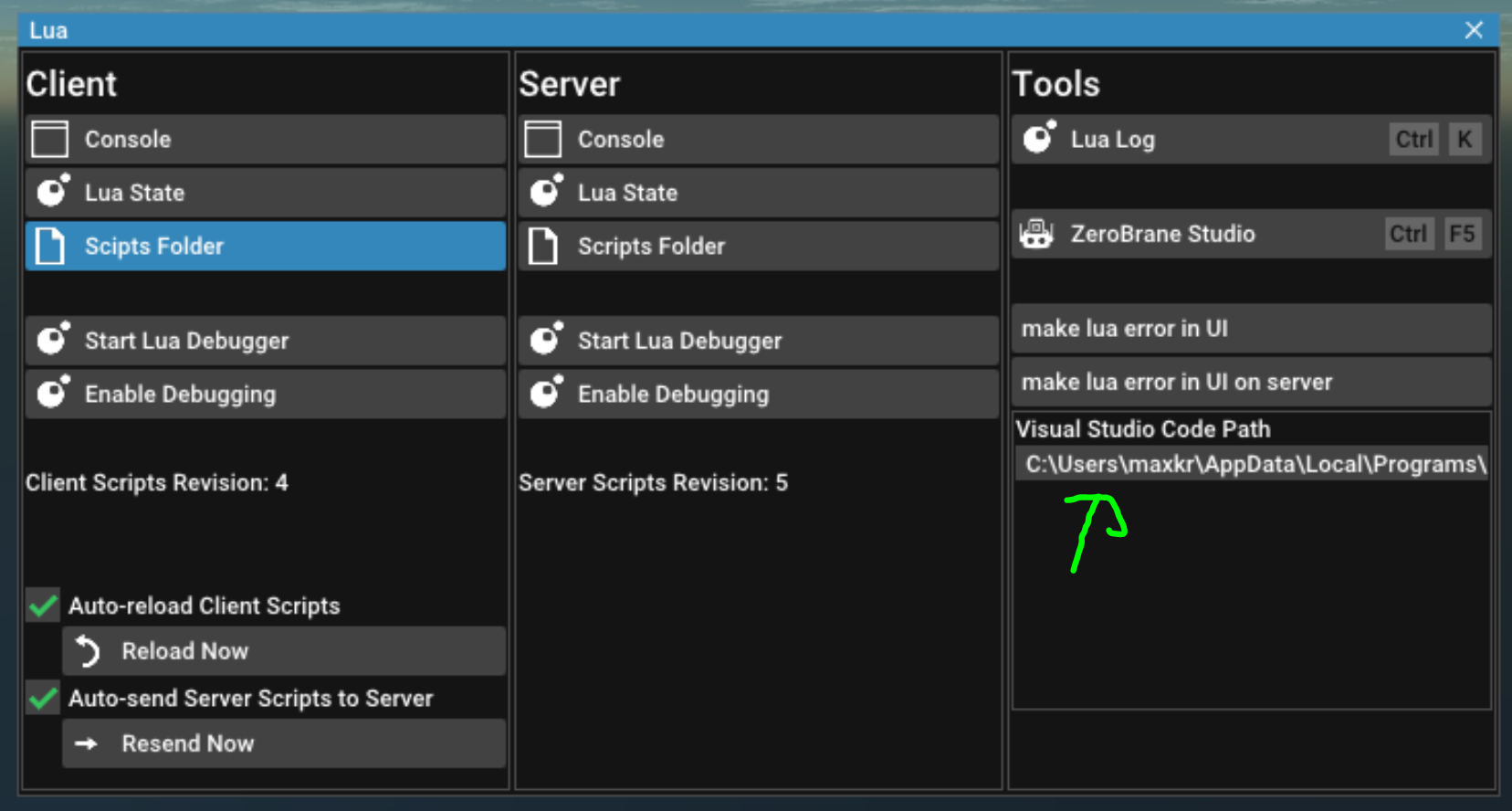
Open the Lua window (Ctrl + L) and specify the path to your Code.exe of your VS Code install.
Installing the Atomontage Extension
Install the Atomontage API Extension here. The Atomontage extension provides API autocompletions for classes, properties, functions and parameters. It also comes with the Lua Language Extension to provide IntelliSense for Lua.
Debugging
Debugging is not yet supported in VS Code.